
How to purchase
Choose your path below and follow the steps.
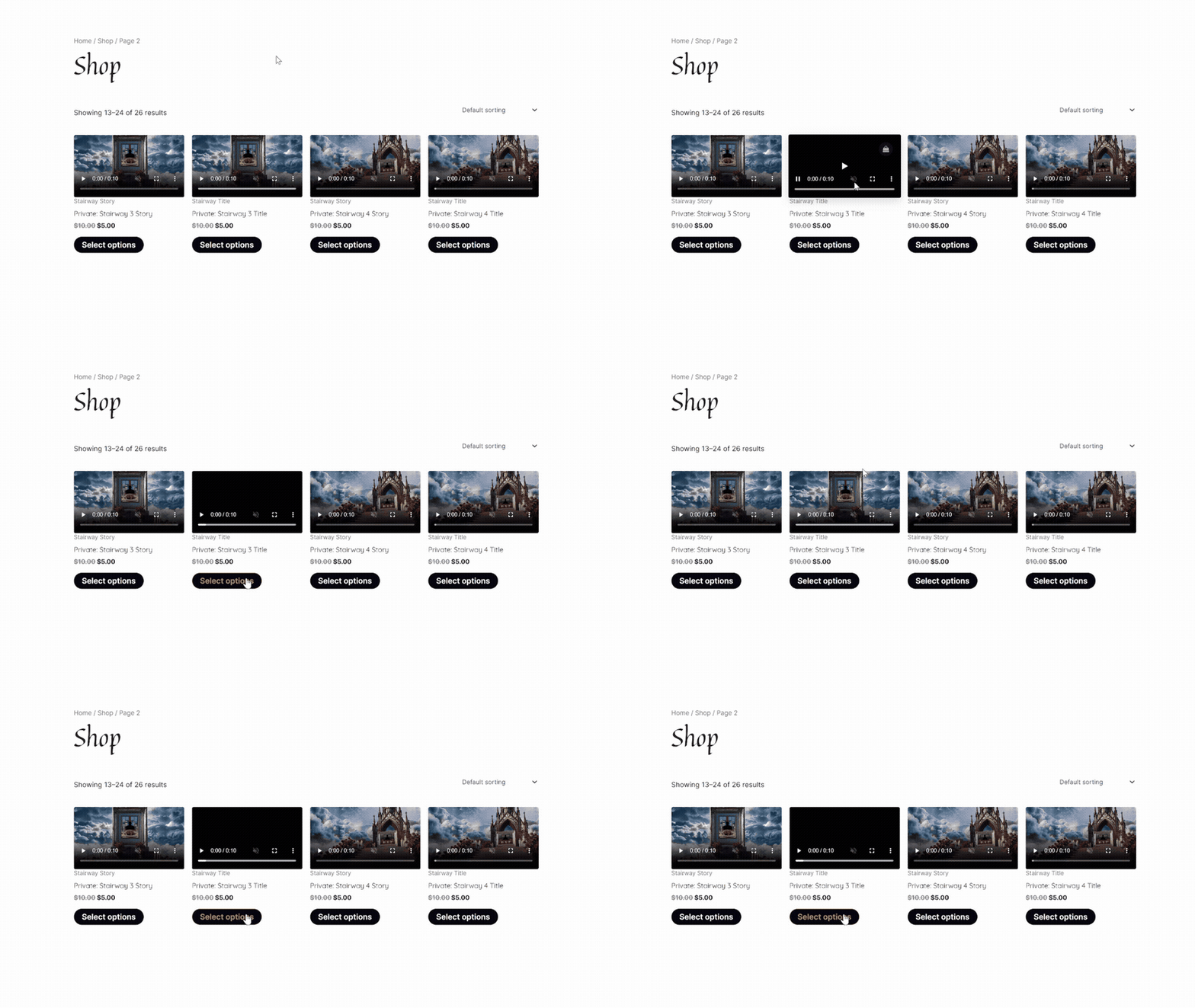
Title Video · Step 1
From the Shop, choose your template.
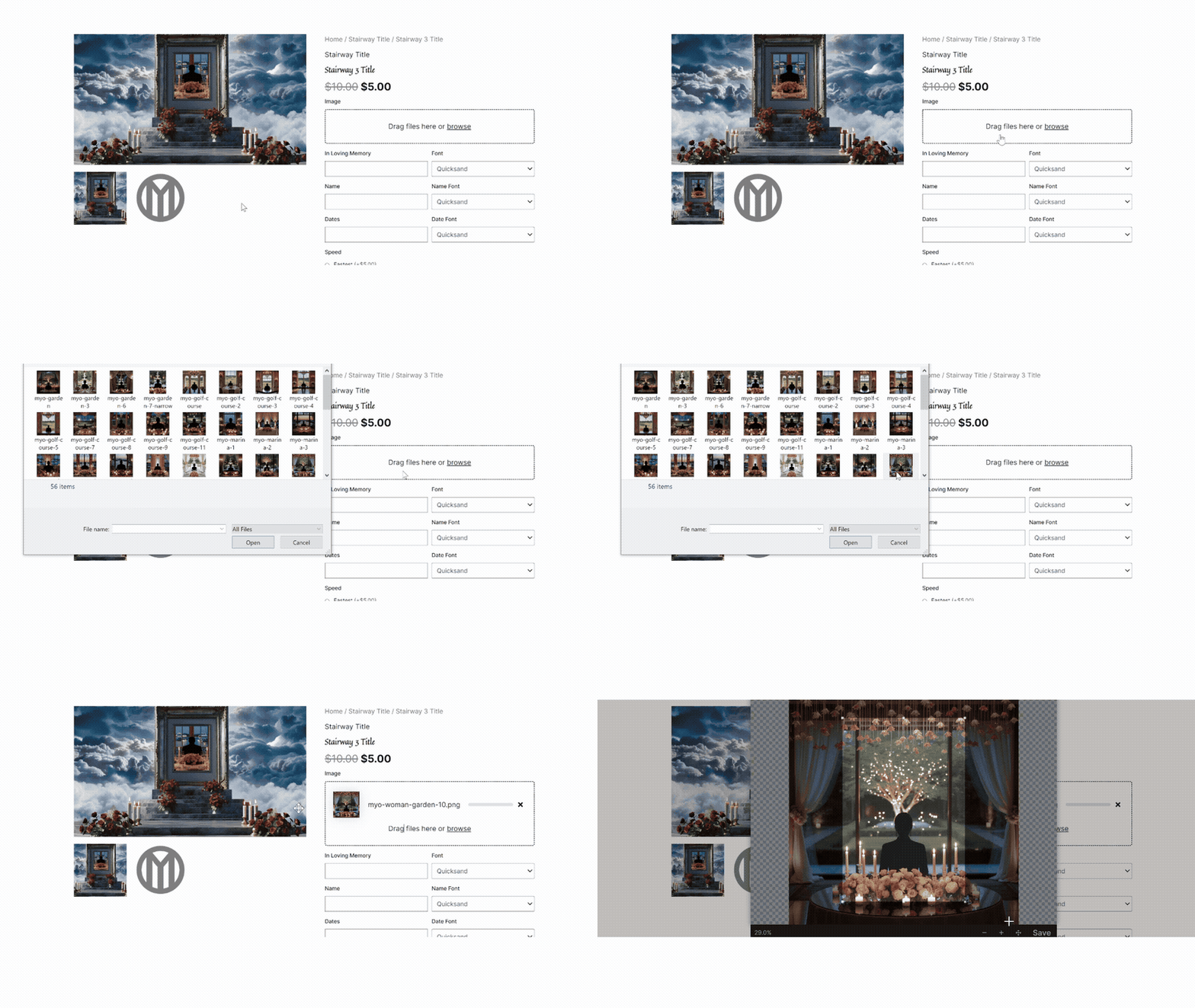
Title Video · Step 2
Upload an image
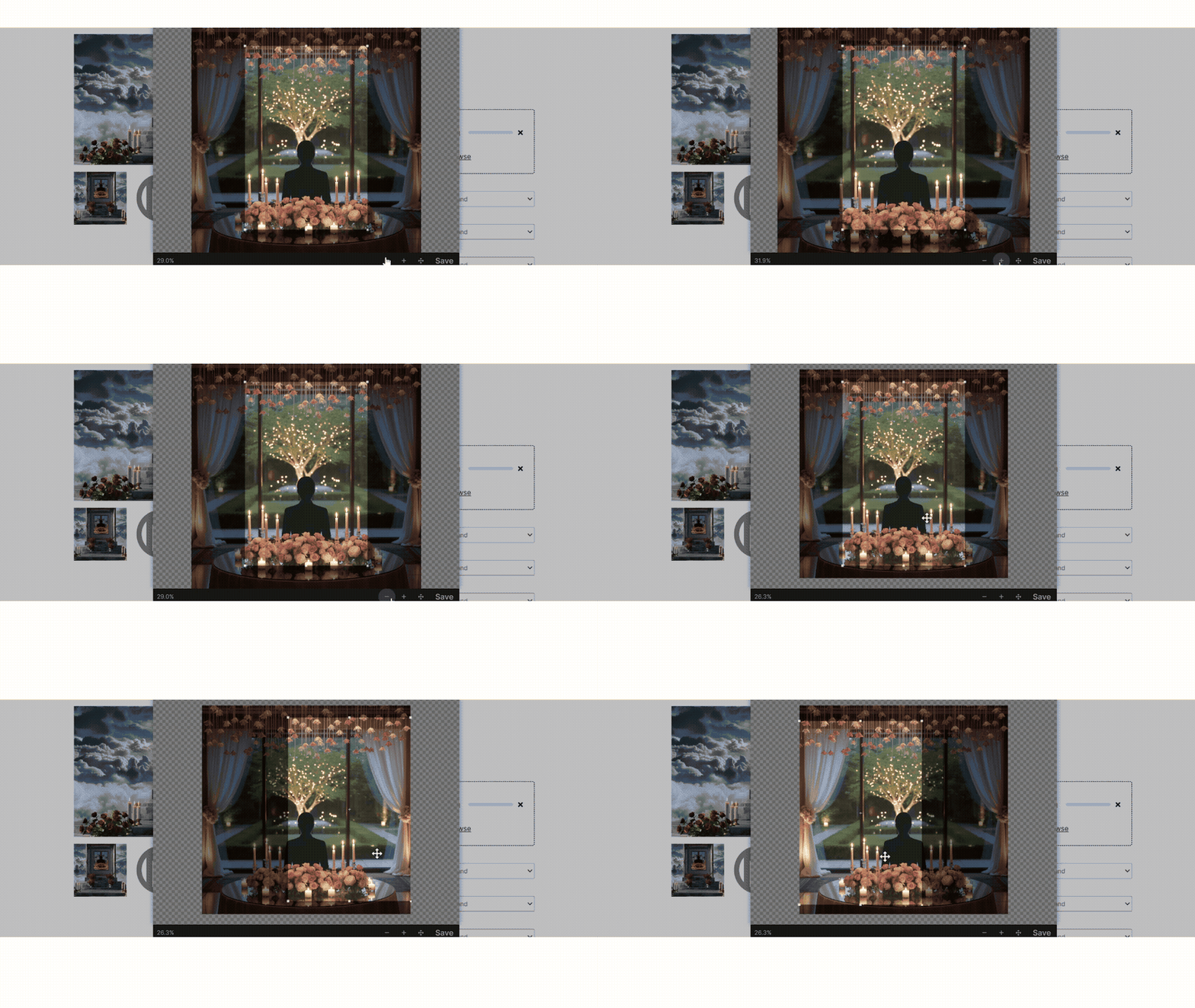
Title Video · Step 3
Crop the image to the preset aspect ratio.
You can zoom and pan from side to side.
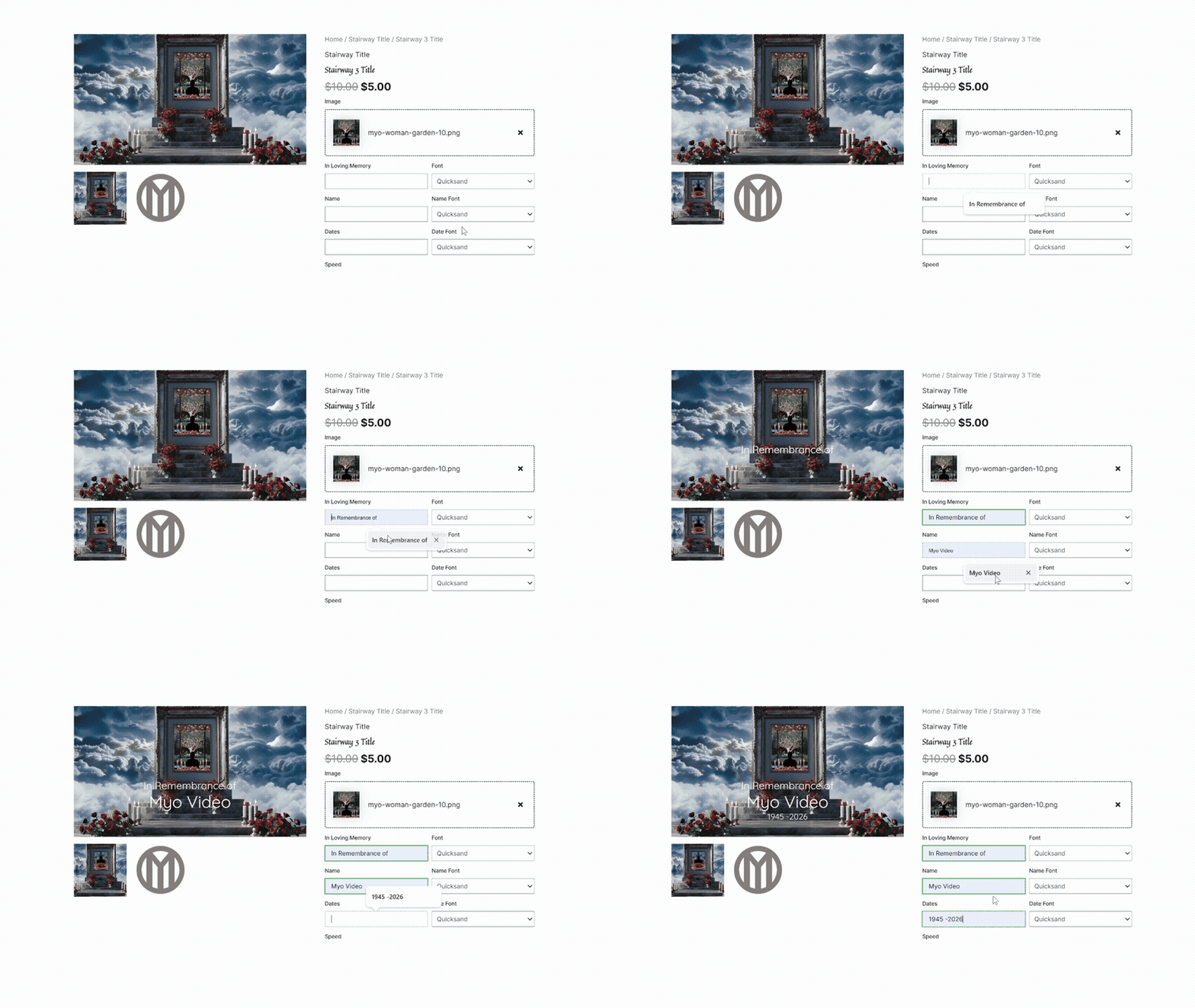
Title Video · Step 4
Fill out the fields with your text.
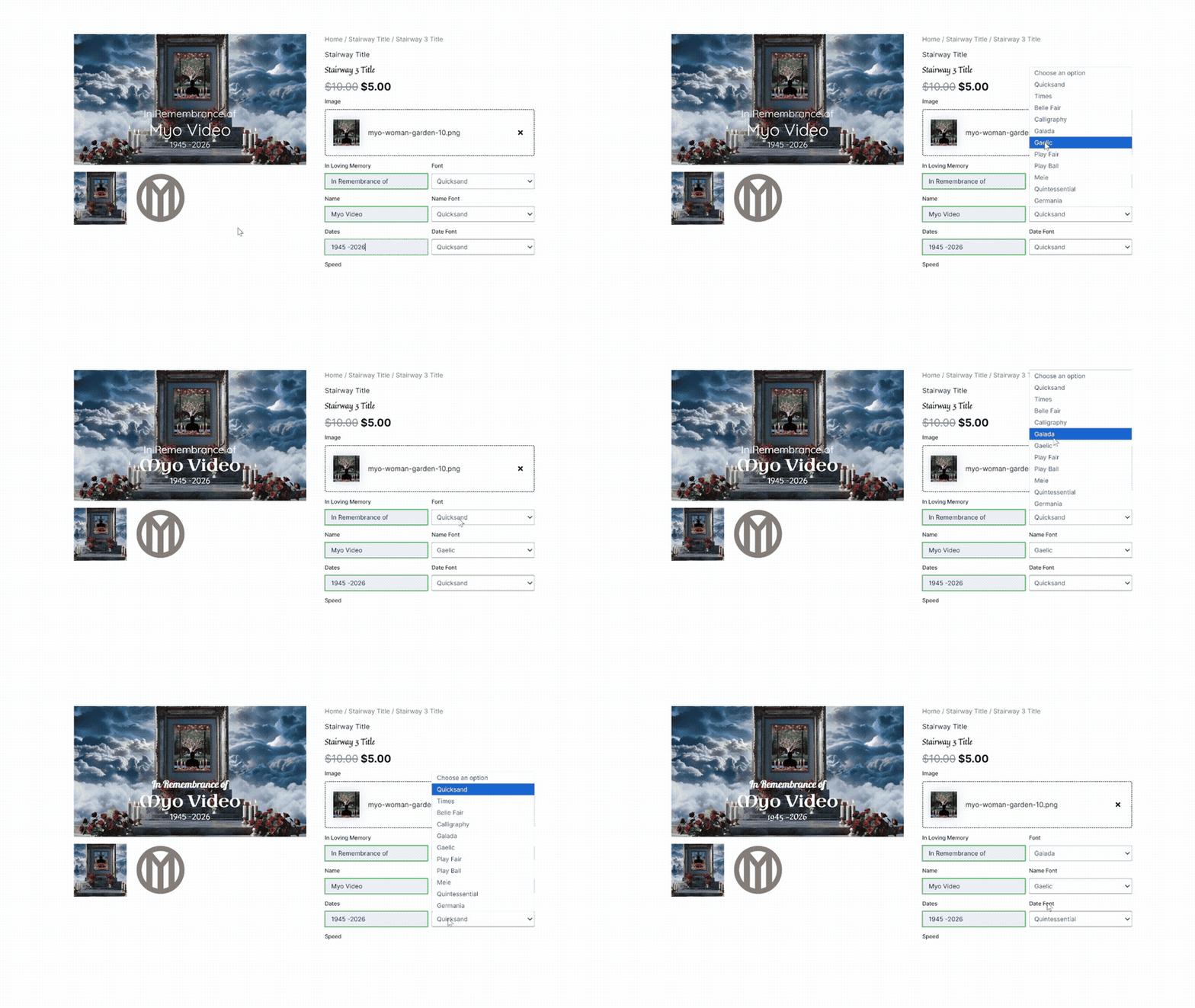
Title Video · Step 5
You can use the font picker to choose a font.
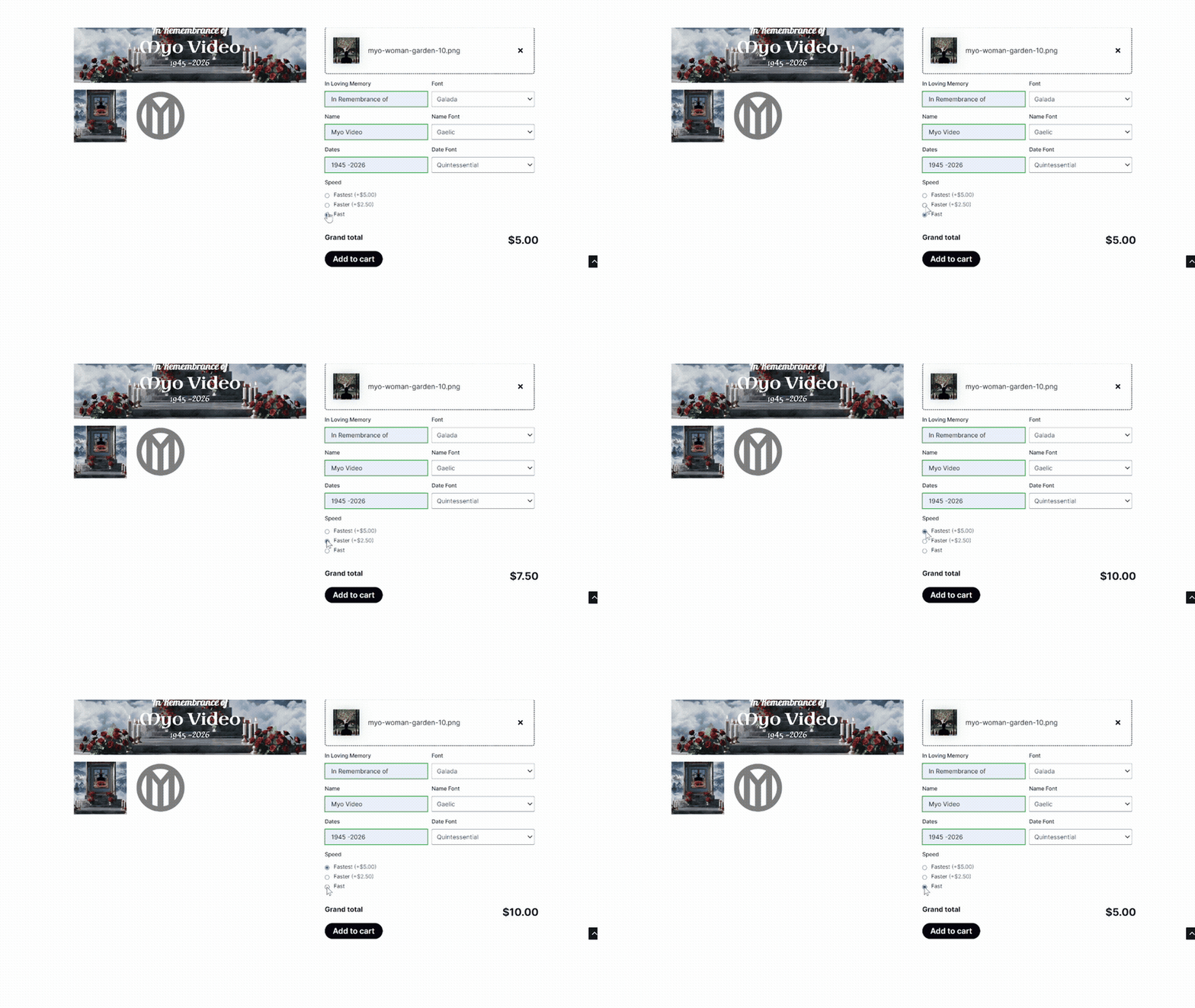
Title Video · Step 6
Choose how quickly you’d like to receive the video.
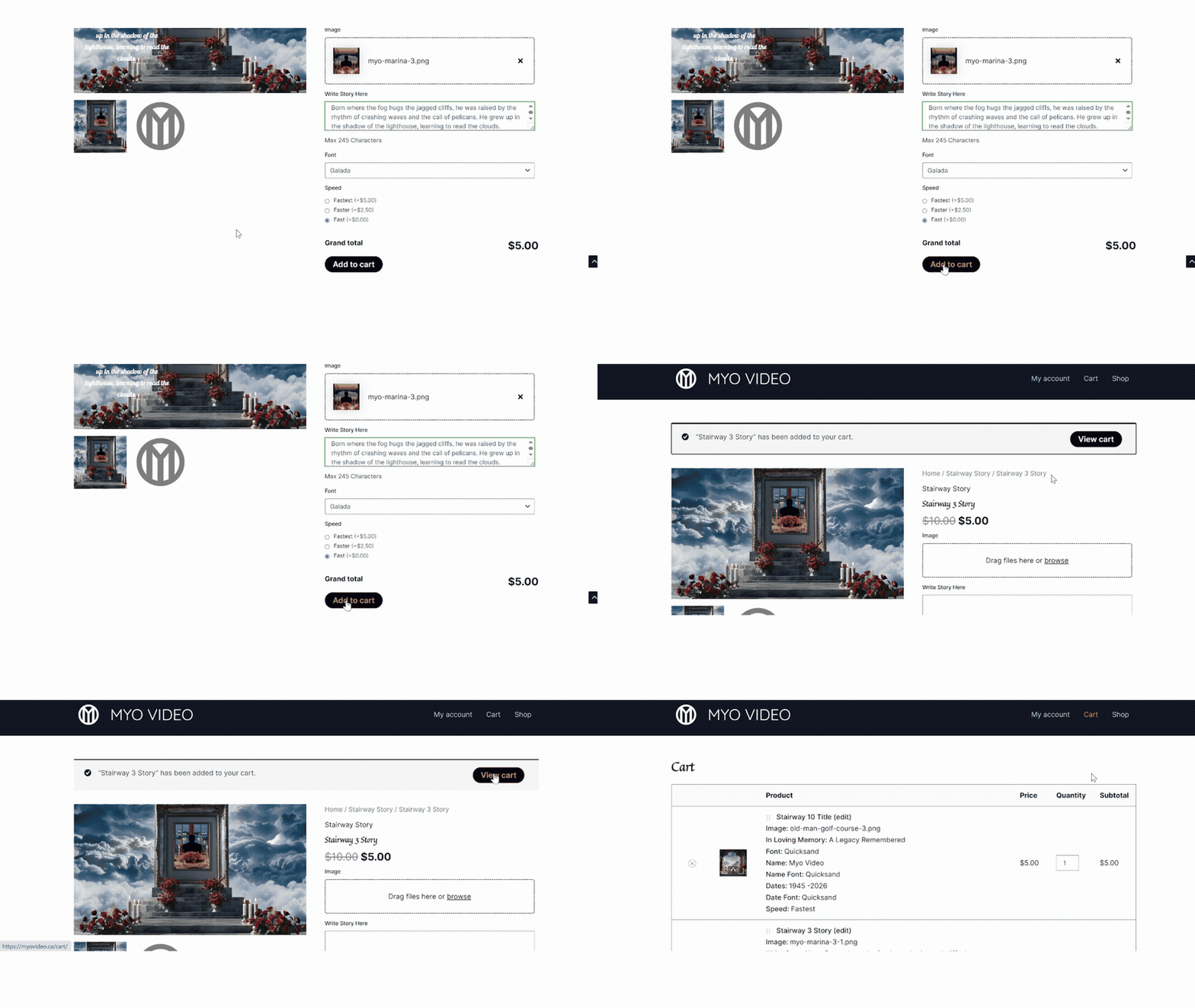
Title Video · Step 7
Add the video to your cart.
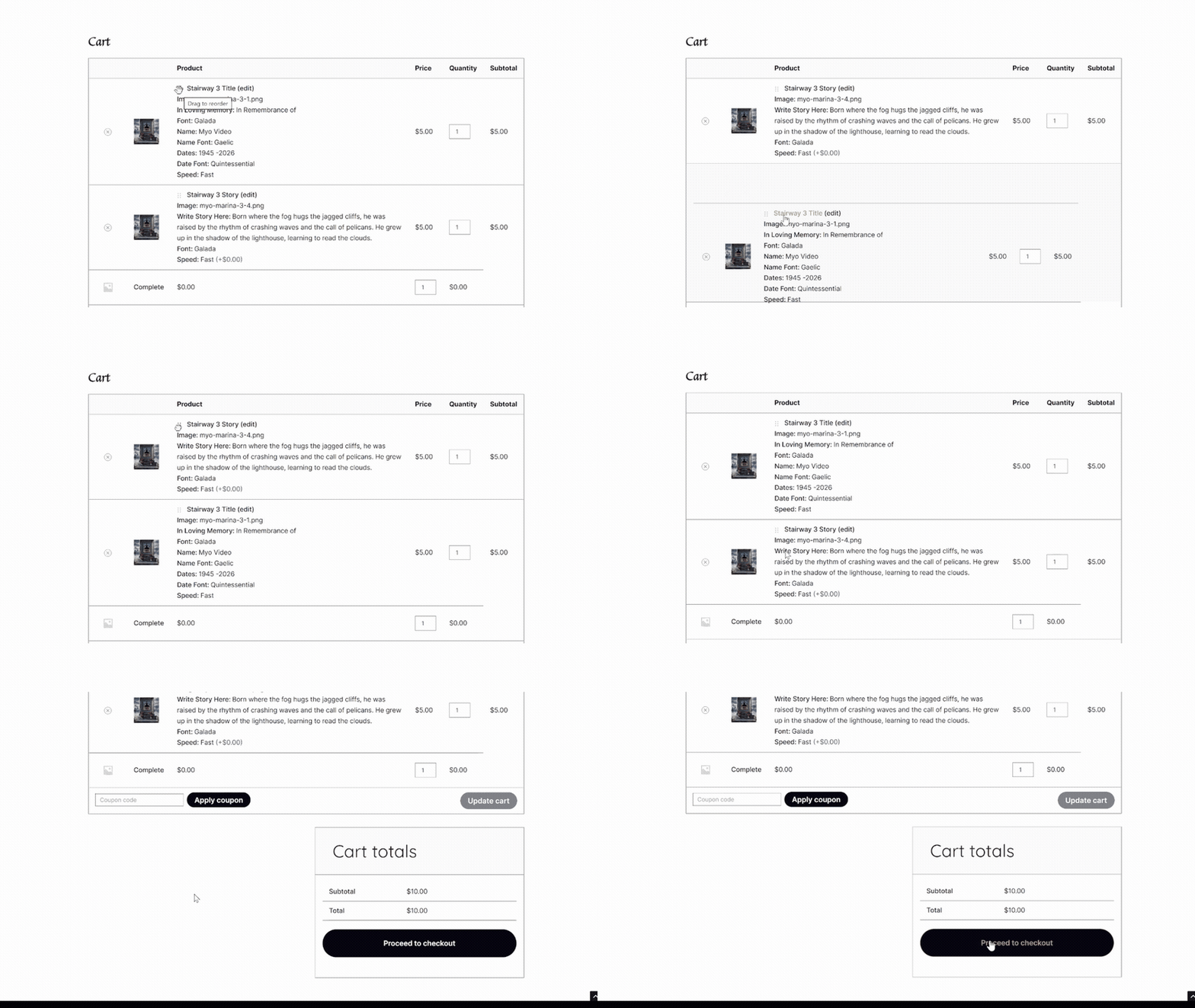
Title Video · Step 8
In the Cart you can rearrange the order of your videos and Proceed to Checkout when you’re ready.
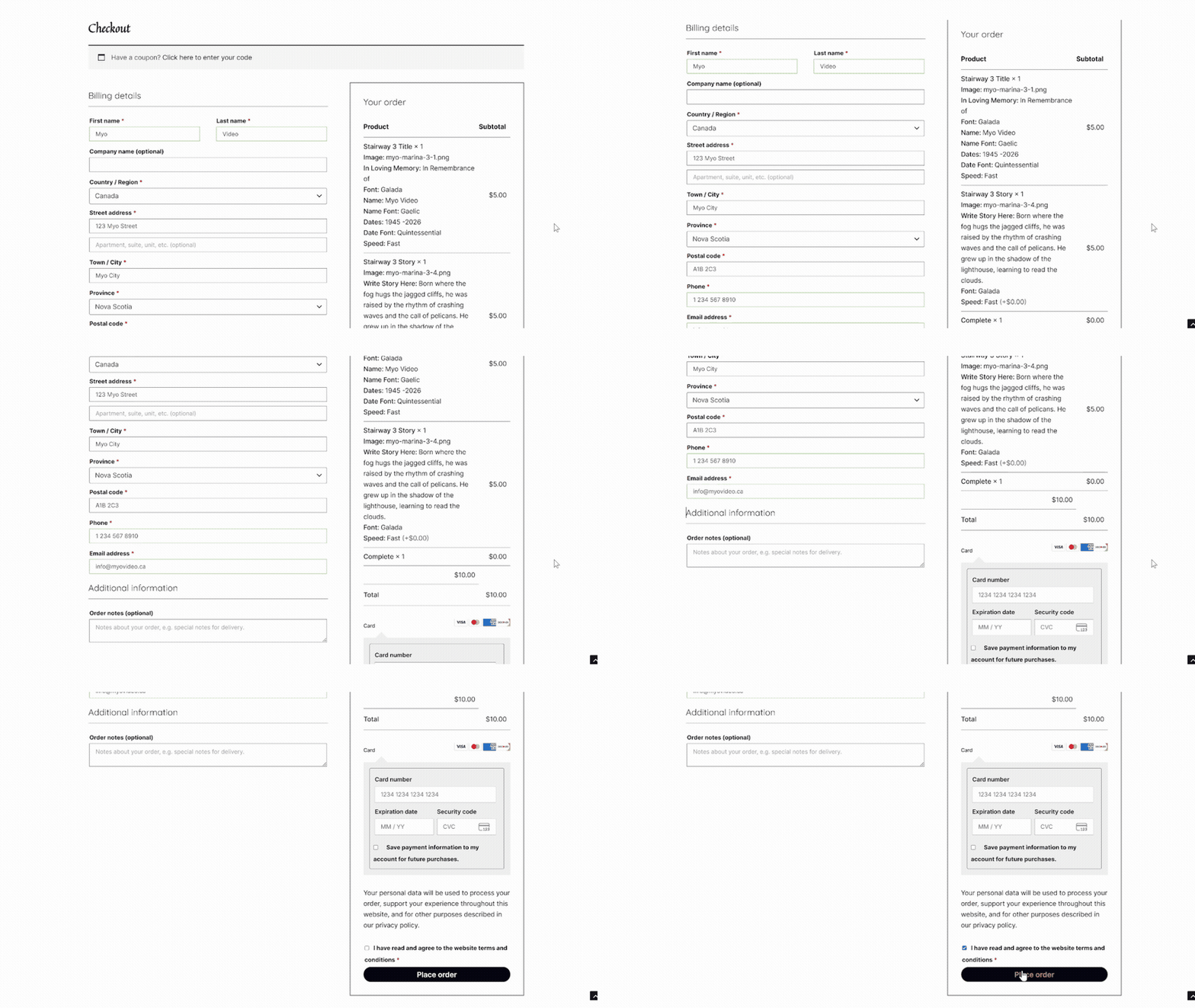
Title Video · Step 9
Fill out the billing details, read and agree to the Terms & Conditions, and click Place Order.
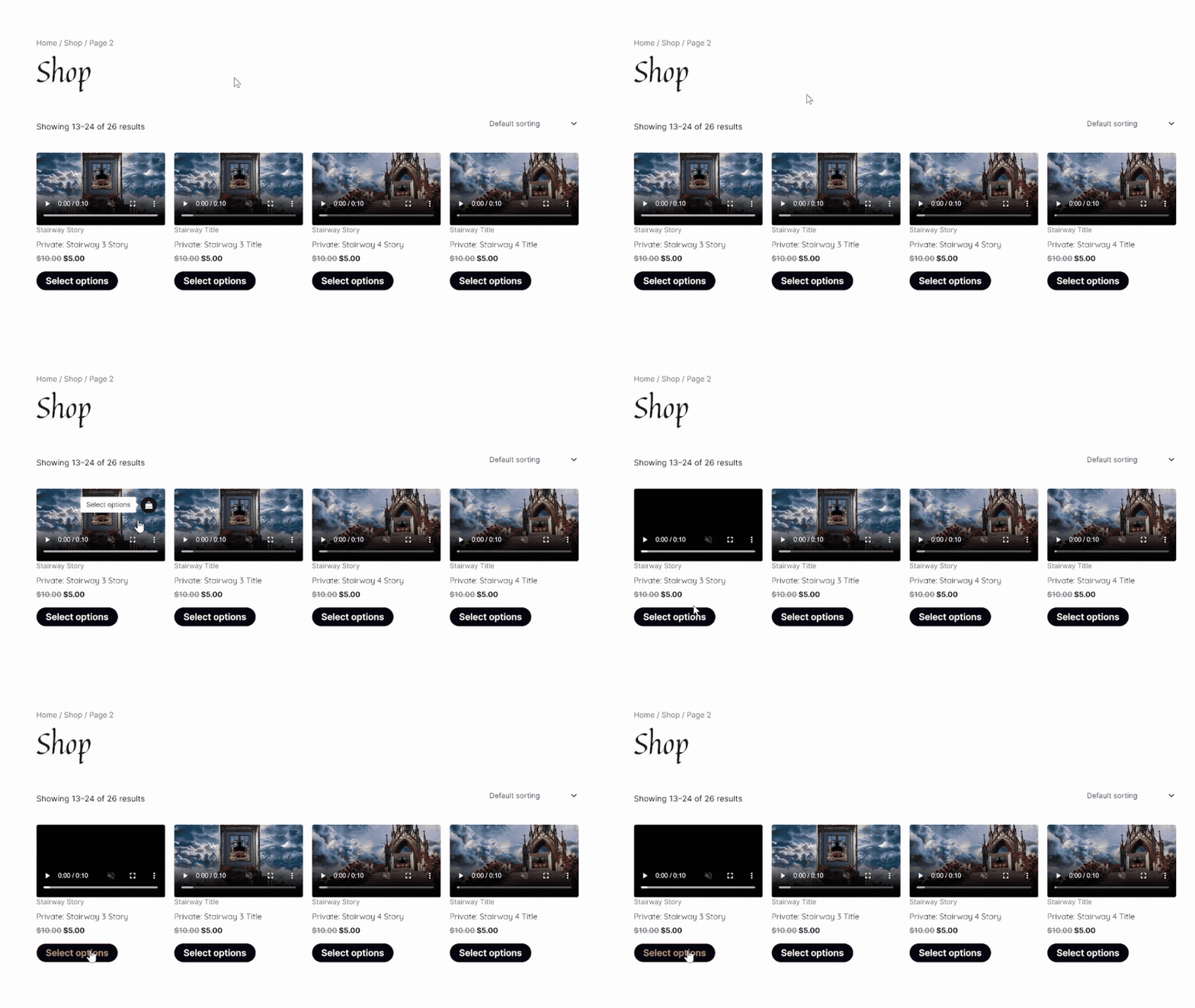
Story Video · Step 1
From the Shop, choose your template.
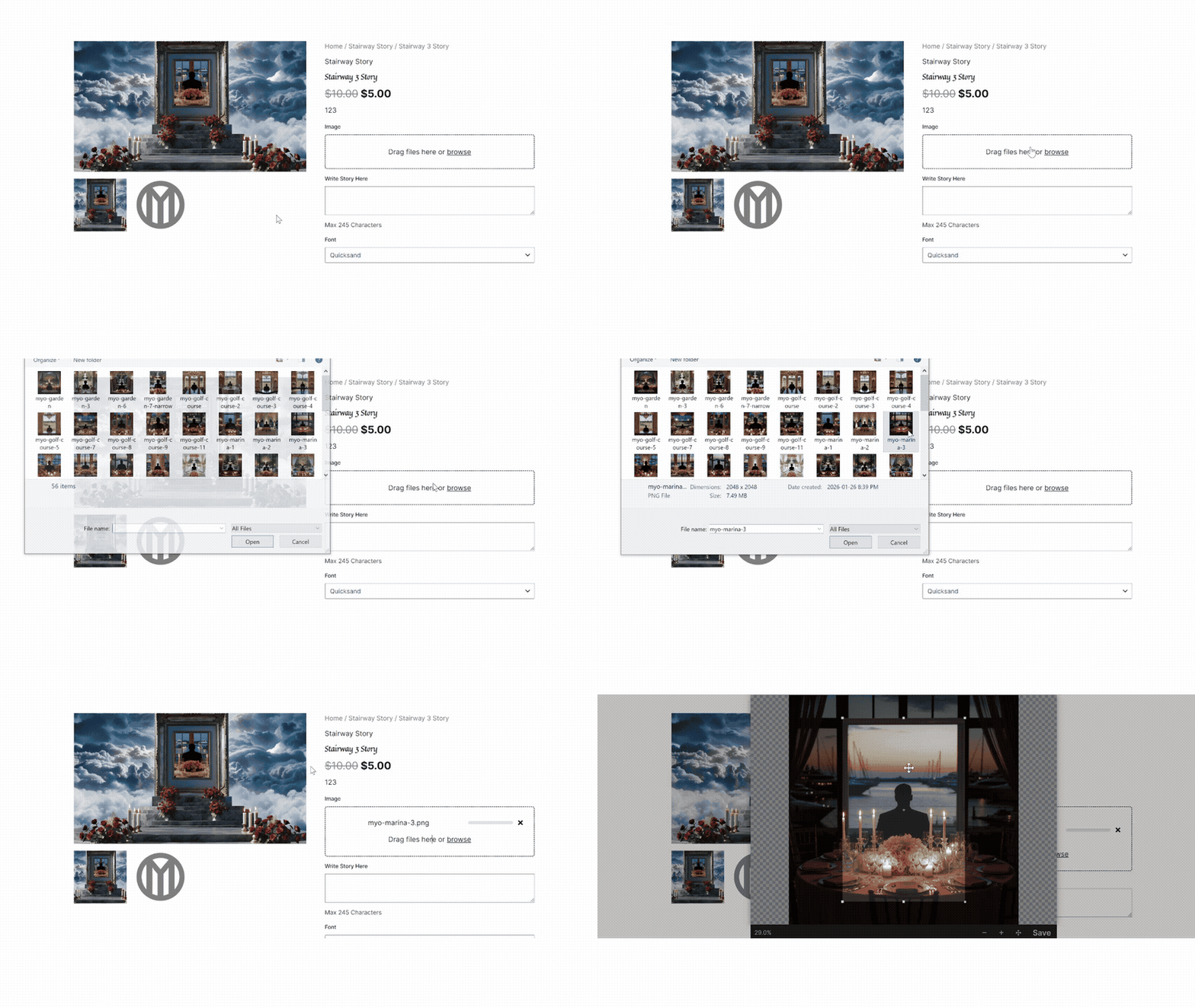
Story Video · Step 2
Upload an image.
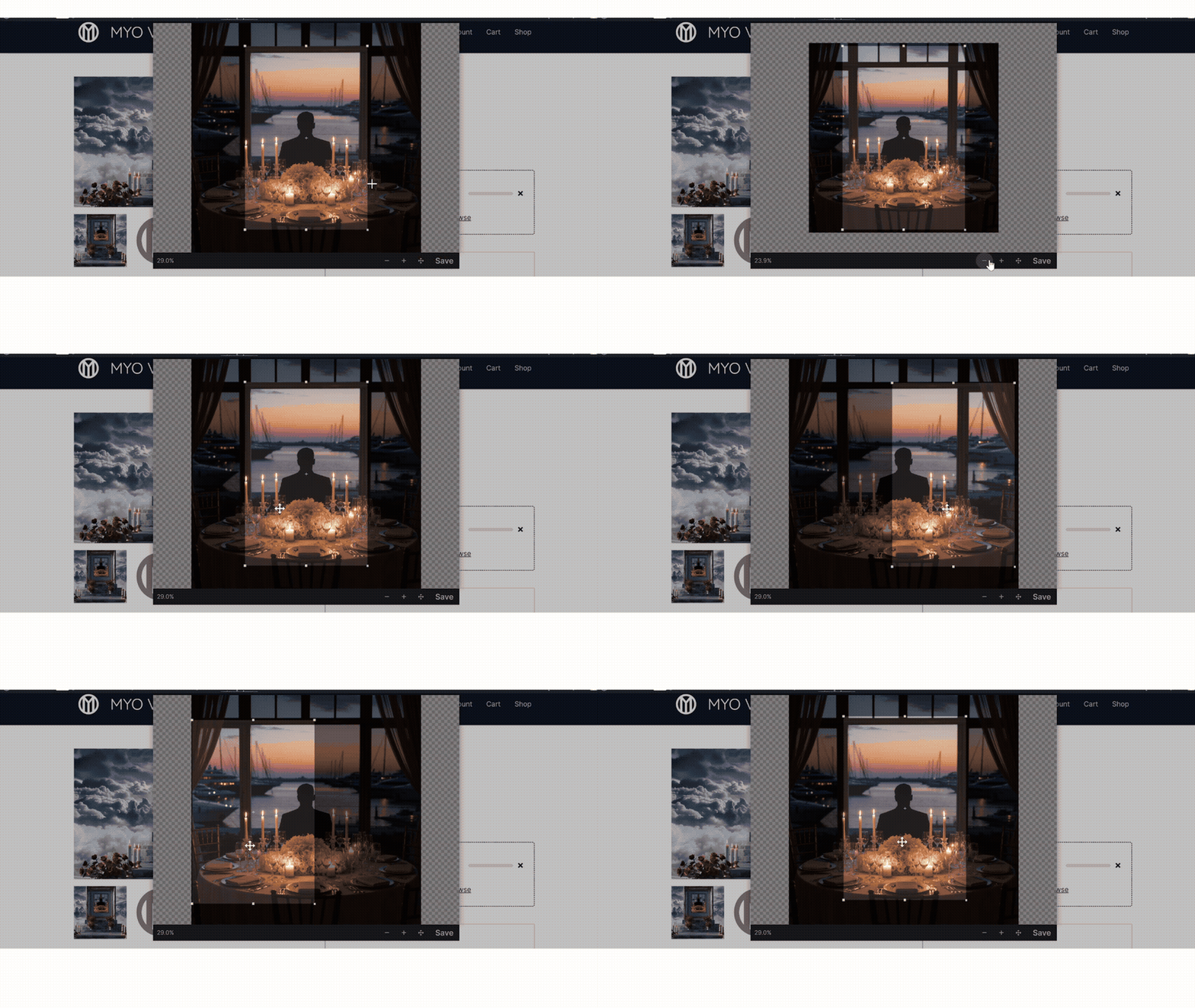
Story Video · Step 3
Crop the image to the preset aspect ratio.
You can zoom and pan from side to side.
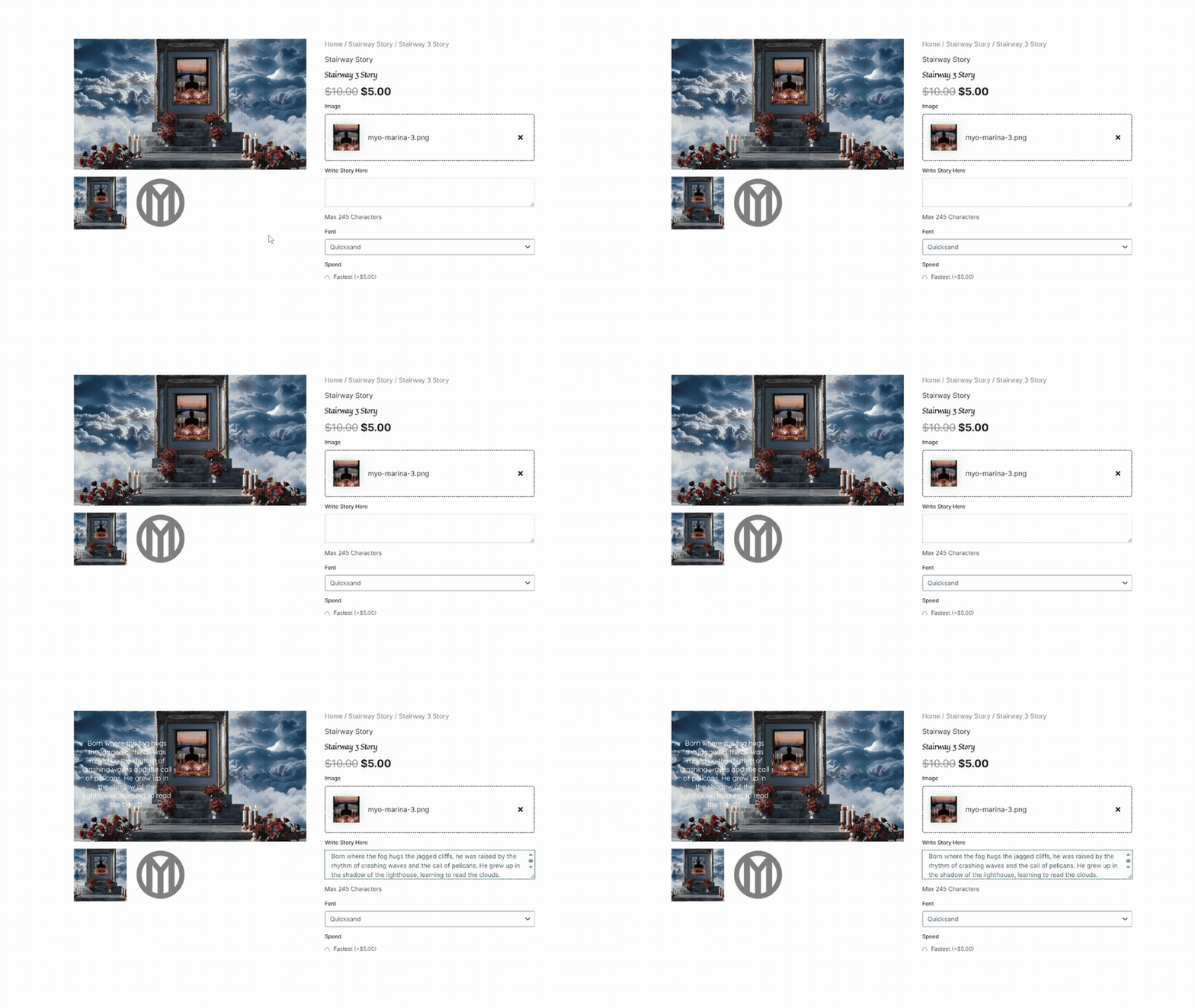
Story Video · Step 4
Fill out the fields with your text.
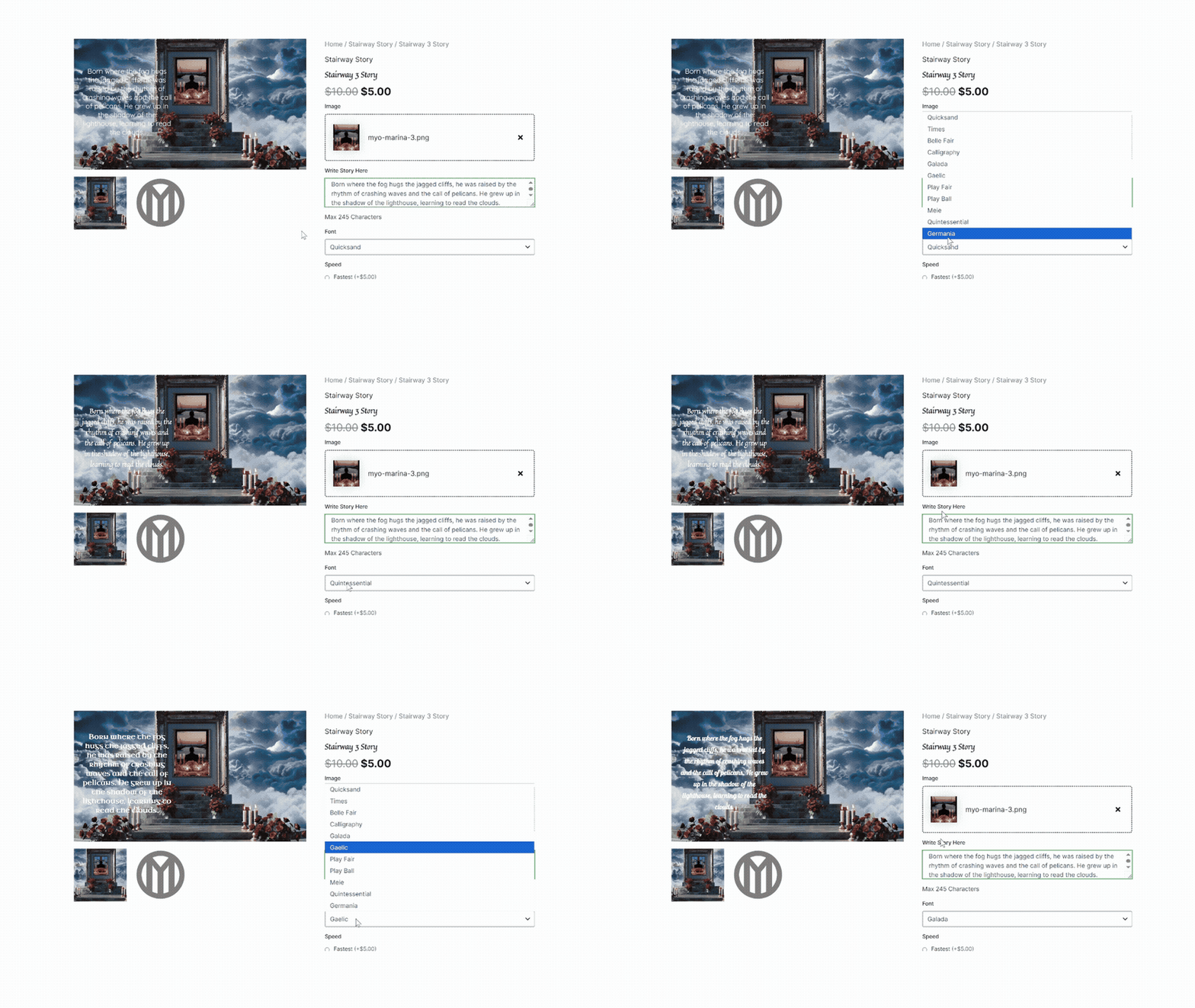
Story Video · Step 5
You can use the font picker to choose a font.
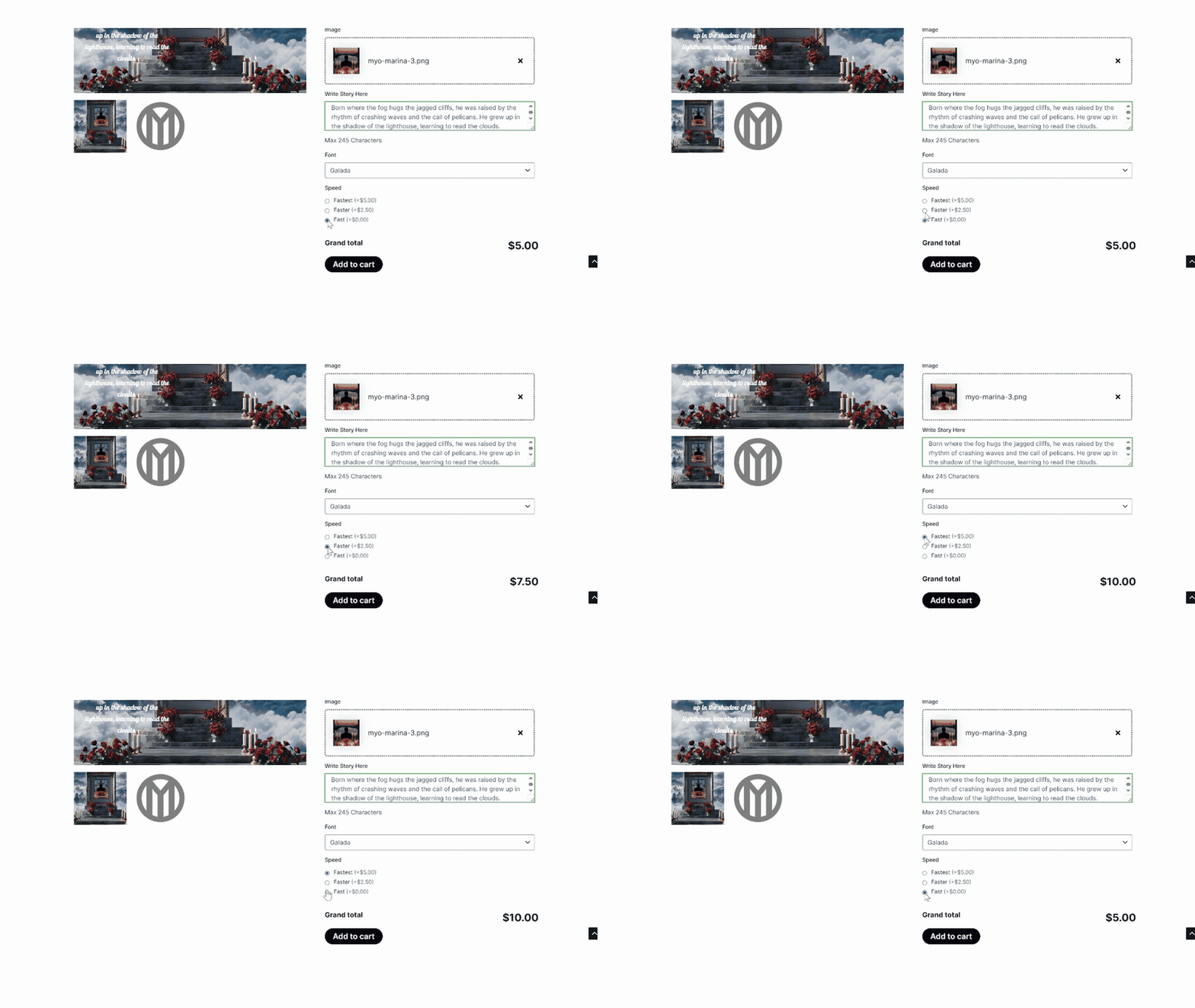
Story Video · Step 6
Choose how quickly you’d like to receive the video.
Story Video · Step 7
When everything looks good, add the video to your cart.
Story Video · Step 8
In the Cart you can rearrange the order of your videos and Proceed to Checkout when you’re ready.
Story Video · Step 9
Fill out the billing details, read and agree to the Terms & Conditions, and click Place Order.
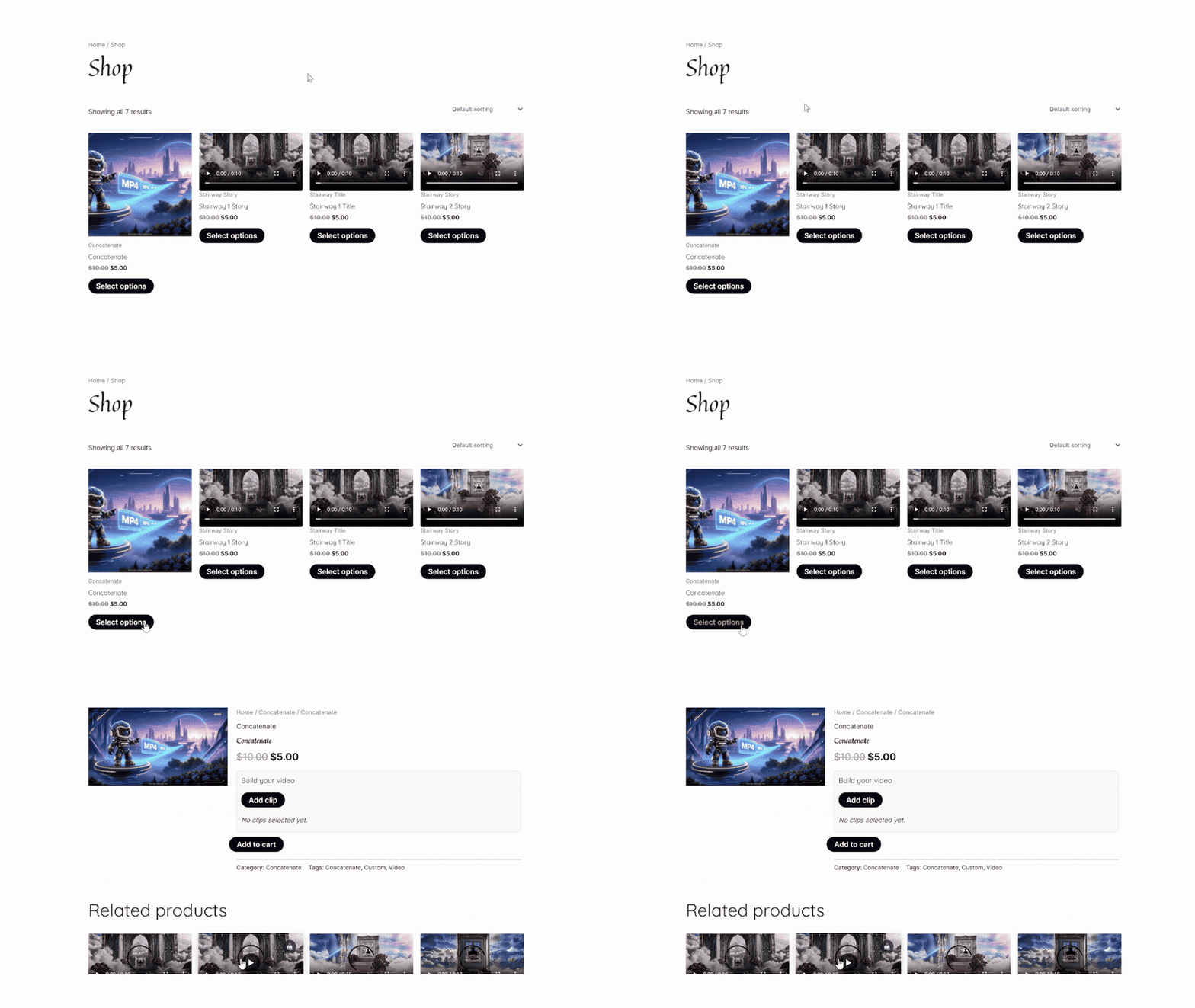
Concatenate · Step 1
From the Shop, choose Concatenate.
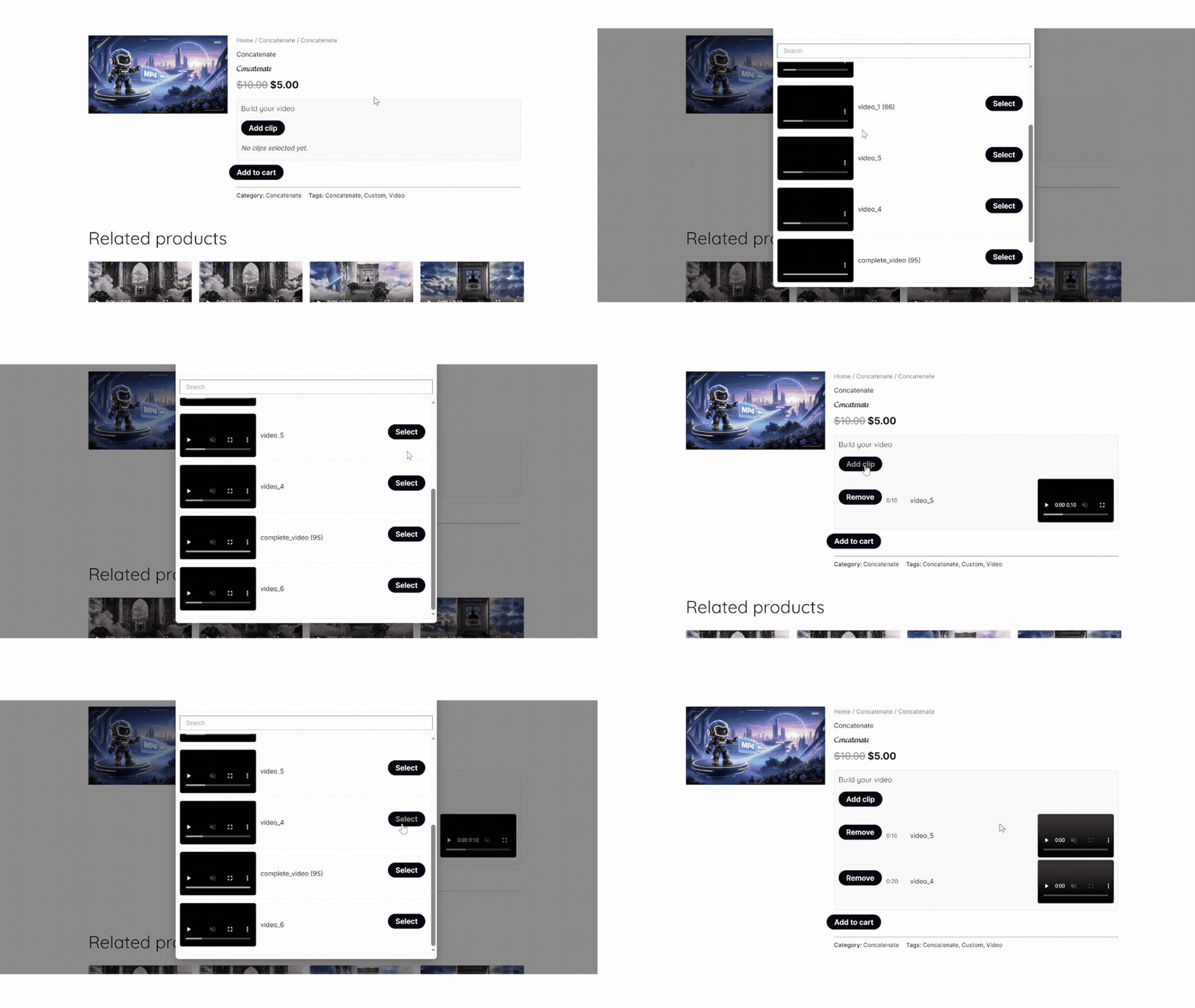
Concatenate · Step 2
Build your video.
Click on Add Clip.
You can choose from the videos you previously created.
Repeat this process until you’ve added all the videos you want.
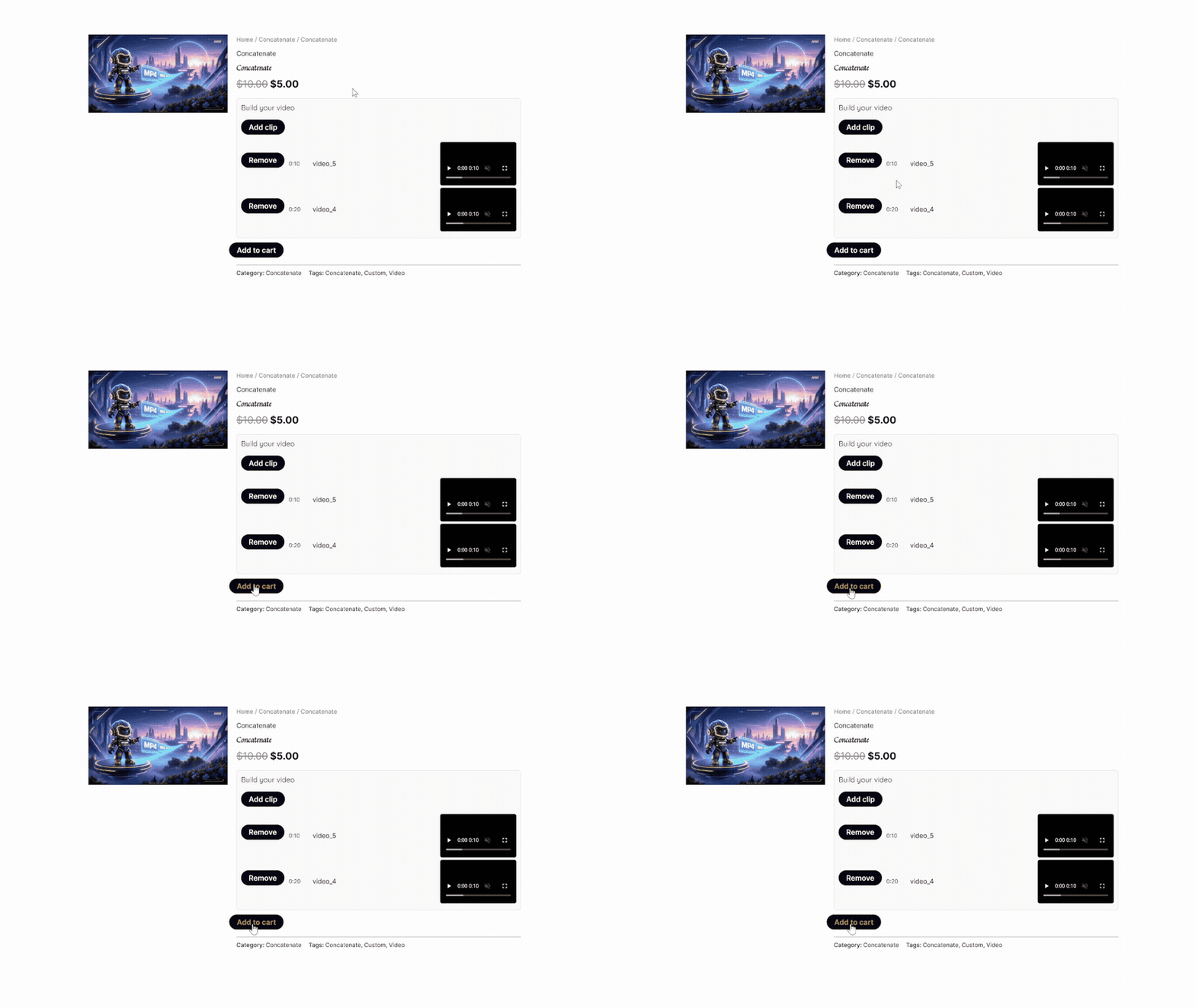
Concatenate · Step 3
When you’re happy with the video, add it to your cart.
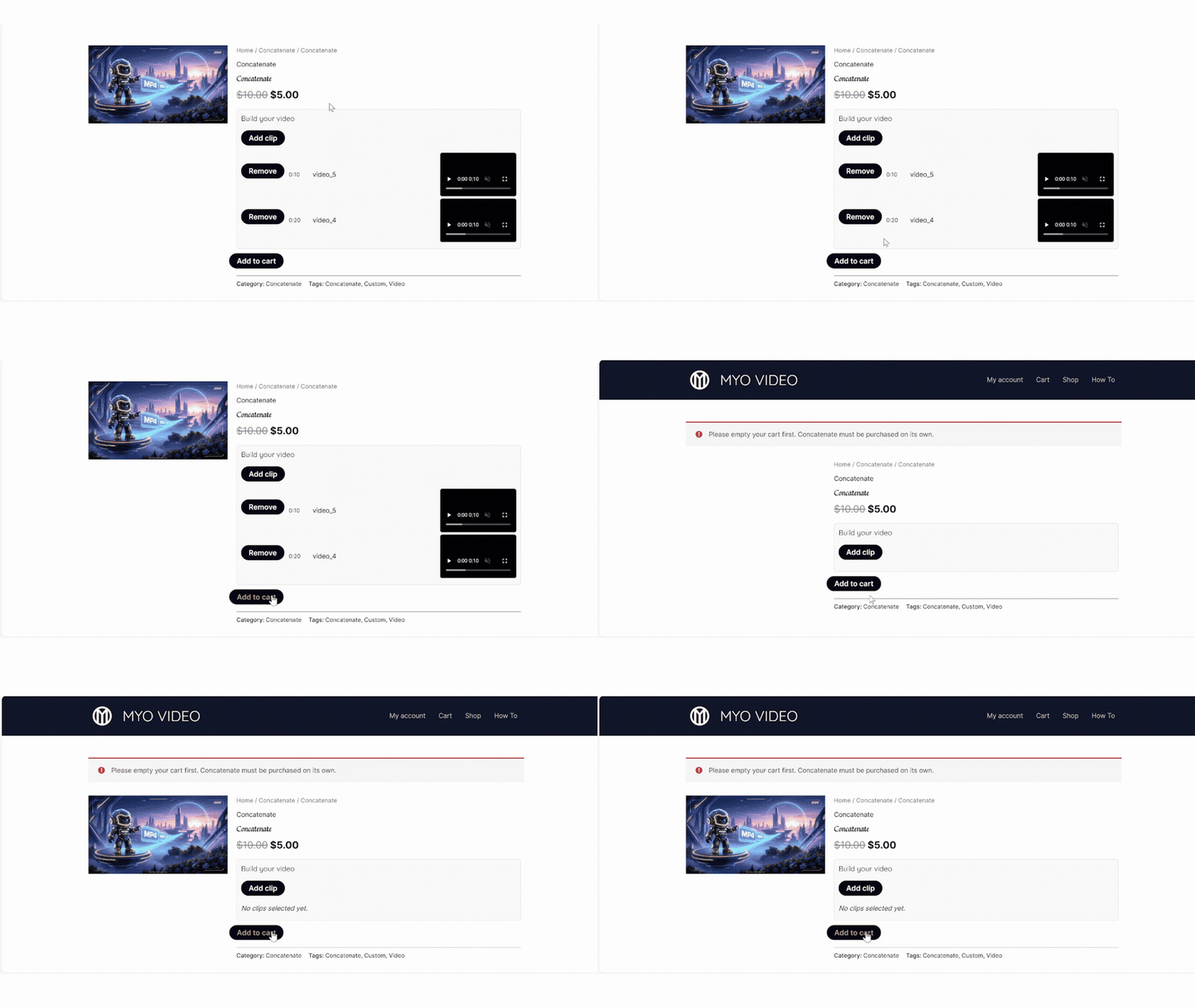
Concatenate · Step 4
If there are items in your cart, you’ll have to remove them.
Concatenate must be purchased on its own.
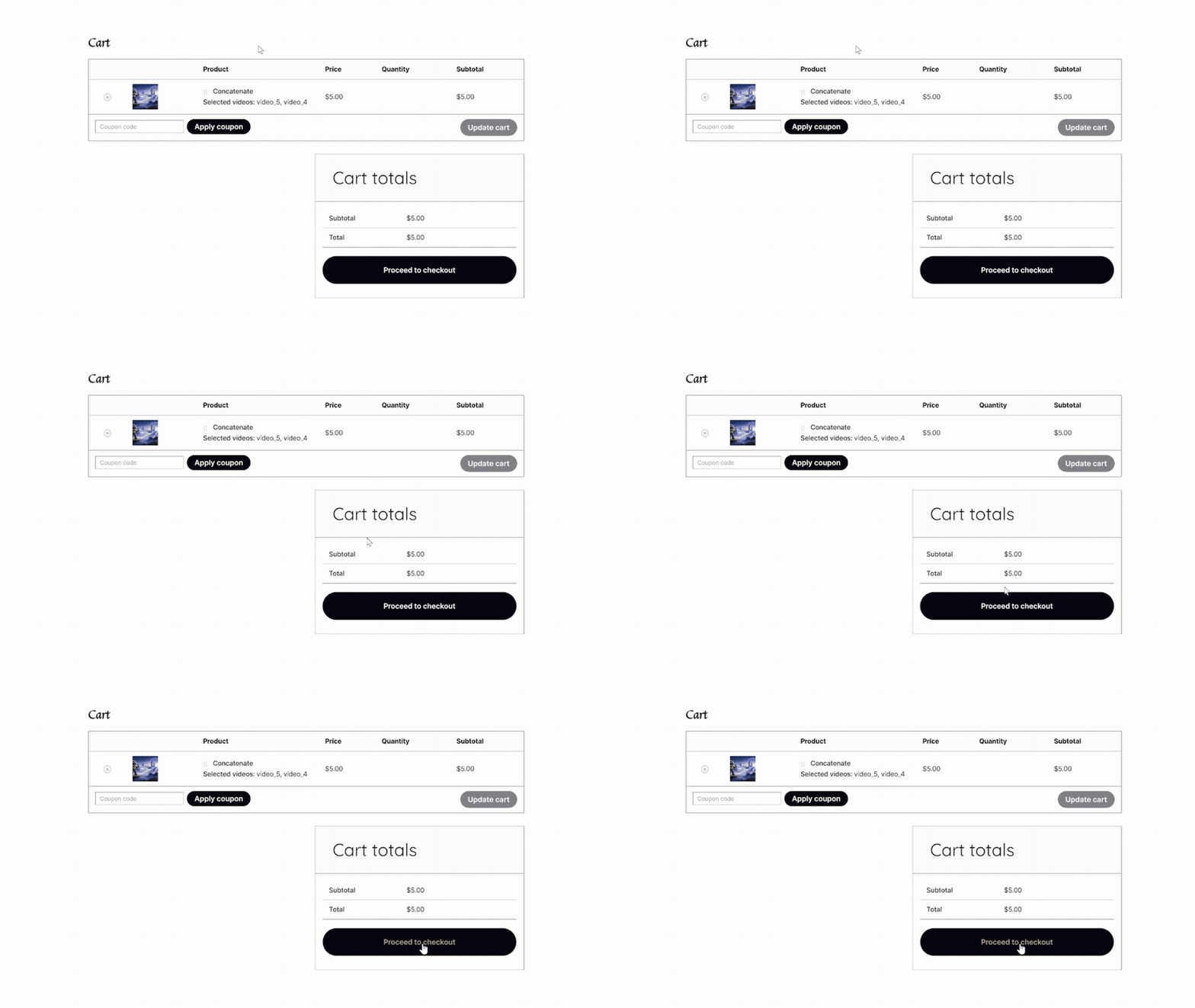
Concatenate · Step 5
From the Cart you can click on Proceed to Checkout when you’re ready.
Concatenate · Step 6
Fill out the billing details, read and agree to the Terms & Conditions, and click Place Order.